
How to Implement Oracle Primavera P6 for Remote Teams


Understanding Oracle Primavera P6
Oracle Primavera P6 is a robust project management tool designed to help teams manage complex projects efficiently. It offers features like scheduling, resource management, and performance tracking. For remote teams, implementing this tool can significantly enhance collaboration and productivity.
Setting Up Your Remote Team
Before diving into the implementation of Oracle Primavera P6, ensure that your remote team is adequately set up. This involves having the necessary hardware, a stable internet connection, and proper communication tools. Consistent communication is crucial for remote teams to stay coordinated.
Choosing the Right Version
Oracle Primavera P6 comes in several versions. For remote teams, consider using the cloud-based version. This ensures that all team members can access the project data in real-time, regardless of their location. The cloud version also provides automatic updates and enhanced security features.
Training Your Team
Proper training is essential for the successful implementation of Oracle Primavera P6. Invest in comprehensive training programs to help your team understand the software's functionalities. Online tutorials, webinars, and workshops can be effective ways to train your remote workforce.

Fostering Collaboration
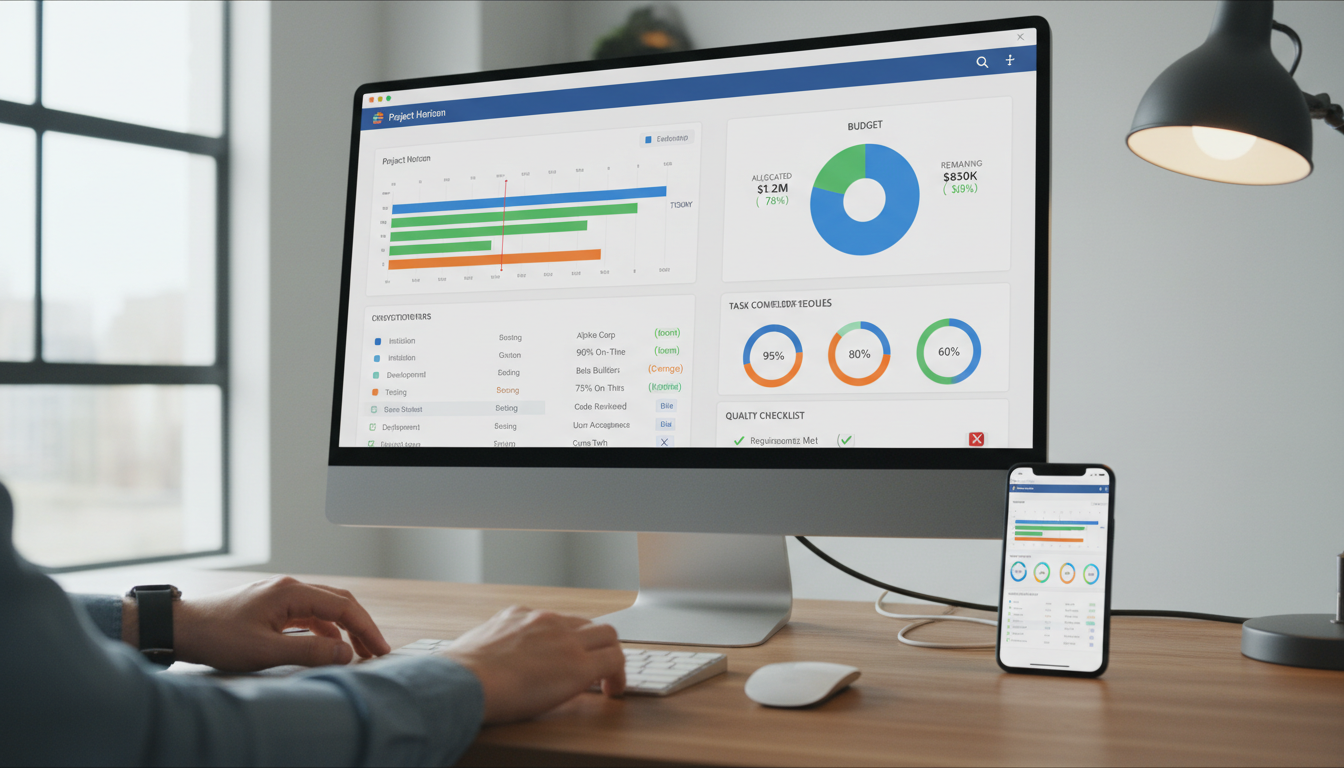
Oracle Primavera P6 facilitates collaboration among remote teams by providing a centralized platform for project data. Use its features to assign tasks, set deadlines, and track progress. Encouraging team members to regularly update their task status can improve transparency and accountability.
Integrating Communication Tools
Integrate communication tools like Slack or Microsoft Teams with Oracle Primavera P6 to ensure seamless communication. This integration allows team members to discuss project updates and issues without switching between multiple platforms, thereby saving time and reducing errors.

Monitoring and Evaluation
Regular monitoring and evaluation are crucial to ensure that the implementation of Oracle Primavera P6 is successful. Use the software’s reporting features to generate insights into project performance. These reports can help in identifying bottlenecks and areas for improvement.
Continuous Improvement
Encourage your remote team to provide feedback on the use of Oracle Primavera P6. Their insights can be invaluable in making necessary adjustments and improvements. Continuous improvement ensures that the tool is used to its full potential, enhancing overall project efficiency.
Implementing Oracle Primavera P6 for remote teams requires careful planning and execution. By setting up your team properly, choosing the right version, providing training, fostering collaboration, integrating communication tools, and monitoring progress, you can maximize the benefits of this powerful project management tool.